· by Rédaction
Sound Does Half the Work: Dial In Your Audio and Stop Getting Skipped
On random video chat, messy audio drives people away faster than a mediocre picture. Here's how to sort out your mic, echo, background noise and monitoring to make your conversations comfortable.
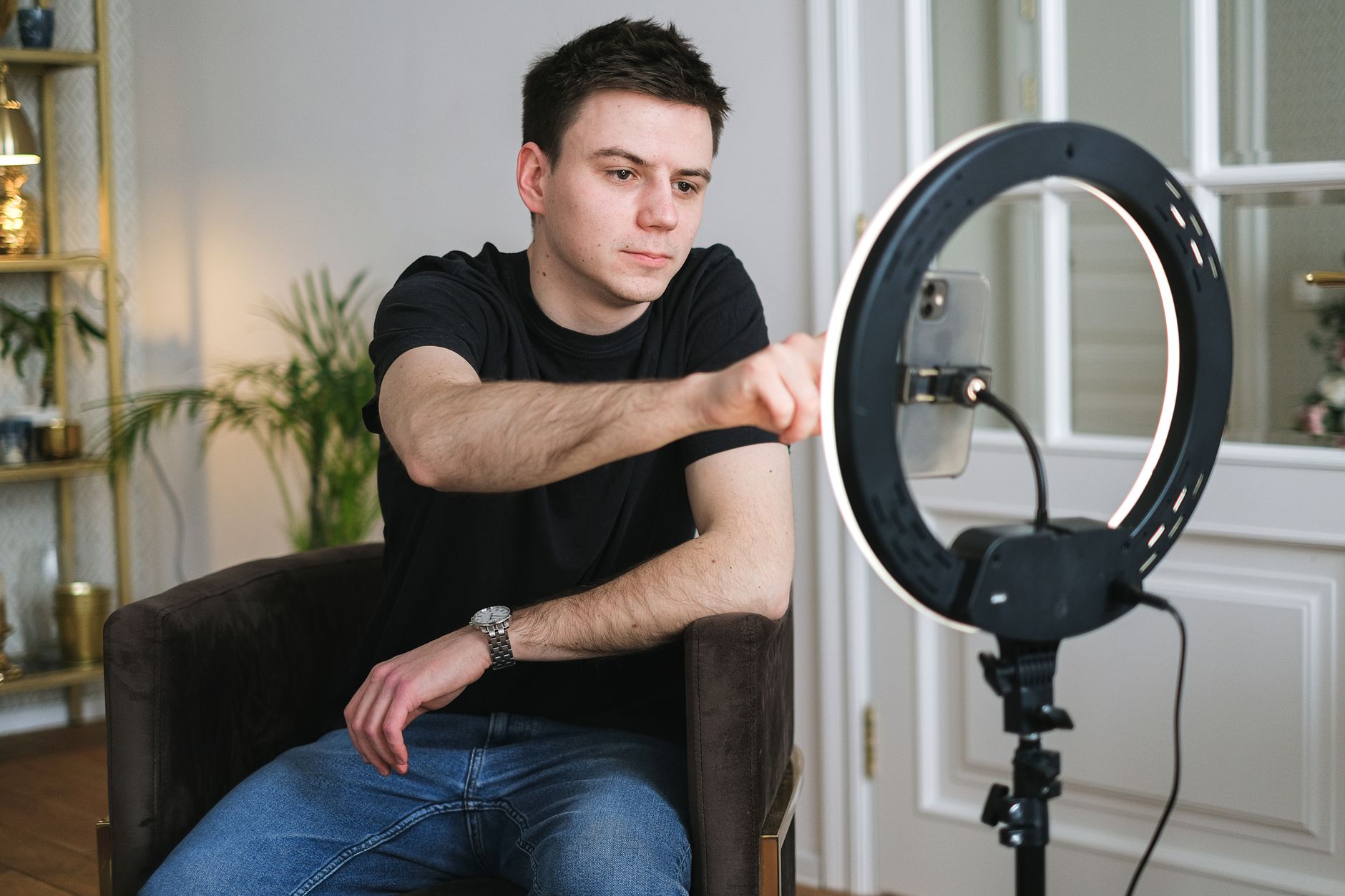
Everyone keeps saying that on video chat, everything comes down to the picture: the framing, the lighting, the smile. That's true for about two seconds. Then someone opens their mouth — and it's the sound that decides whether the conversation lasts thirty seconds or twenty minutes.
Clipped audio, a metallic echo, a laptop fan roaring away, a voice drowning in the racket of a shared flat: nobody ever announces these problems. No one is going to tell you "I'm leaving because you sound crackly." They just skip you, and you'll never know why. It's the invisible part of your online presence, and it's probably the part costing you the most encounters.
Why the ear is less patient than the eye
Our brains cope very well with an imperfect image. A slightly grainy webcam, mild backlighting, wonky framing: we adjust within seconds. Audio, on the other hand, gets no such leniency.
The reason is cognitive. When the sound signal degrades, the listener has to fill in the gaps: reconstructing missing syllables, guessing at swallowed words. Researchers call this listening effort, a phenomenon documented in audiology since the 2000s and revisited extensively as video conferencing became universal. The result: fatigue sets in quickly, attention drops, and the other person starts looking for an exit.
It's also one of the mechanisms proposed to explain the well-known "video conferencing fatigue," described notably in the work of Jeremy Bailenson (Stanford University) published in 2021 in Technology, Mind, and Behavior. Among the factors identified, the extra cognitive load imposed by degraded signals — frozen video, delayed sound, lips out of sync with the voice — plays a central role.
On a chatroulette platform, nobody makes an effort. The "next" button costs less than three extra seconds of concentration.
In other words: your picture buys you the first two seconds, your sound buys you everything after that.
The five flaws that make people leave
Before talking about gear, let's identify the enemy. In the vast majority of cases, unpleasant audio comes down to one of these five families.
1. Echo (the most common)
You speak, your voice comes out of the other person's speakers, goes back into their mic, and returns to you. It's the classic audio loop. It appears as soon as someone uses their computer or phone speakers in a sparsely furnished room.
Modern browsers' echo cancellation algorithms work wonders, but they aren't magic: they give up as soon as the volume rises or the room starts to ring.
The fix, in one sentence: headphones. Any headphones. Simply not playing the sound out into the room eliminates 90% of the problem.
2. Clipping
Mic too close, gain too high, voice too loud: the signal exceeds the maximum and turns into a spluttering mush. It's extremely unpleasant and it comes across as aggressive, even when you're speaking calmly.
3. Reverb
An empty room, bare floorboards, white walls with no curtains: your voice bounces around and arrives sounding "distant," as if from a bathroom. It's exhausting to listen to and it kills any sense of intimacy — and intimacy is exactly what you're after in a one-to-one conversation.
4. Background noise
Laptop fan, fridge, traffic, a flatmate watching a series, notifications from the phone sitting on your desk. You don't hear them anymore: your brain filters them out. Your conversation partner's brain doesn't — they're hearing them for the first time.
5. Latency and dropouts
Sound arriving half a beat late breaks the natural rhythm of conversation. You talk over each other, apologise, start again. Three failed exchanges and the conversation dies on its own.
| Symptom | Likely cause | Immediate fix | |---|---|---| | Echo, your voice coming back | Open speakers | Put on headphones | | Crackling voice | Gain too high | Lower the input volume, move back 10 cm | | Voice "in a tunnel" | Reverberant room | Rug, curtains, cushions, speak closer | | Constant hiss | Built-in mic + fan noise | External mic or boom headset | | Delay, choppiness | Congested Wi-Fi | Move closer to the router, stop downloads |
Gear ranked, from free to serious
Good news: audio is the area where value for money is the best of all. A few tens of euros are enough to go from "unpleasant" to "comfortable."
Level 0: what you already have
A laptop's built-in mic sits right next to the fan and the keyboard. It's the worst possible position. A smartphone's mic, on the other hand, is often excellent — it's a device designed for voice. If you have nothing else, a phone held at chest height beats the laptop almost every time.
Level 1: wired headphones
The biggest quality leap for the smallest budget. A simple wired headset with a mic fixes echo, brings the mic closer to your mouth and isolates you from ambient noise. The cable also spares you Bluetooth dropouts mid-sentence.
Watch out for a little-known detail: over Bluetooth, as soon as a headset activates its mic, it switches to a communication profile that heavily degrades the sound you hear. Plenty of people think their headset is faulty when they're simply experiencing that switch. Wired gear doesn't have this flaw.
Level 2: a USB mic on the desk
If you'd rather not wear headphones on camera — and that's a fair point, headphones hide part of your face — a USB condenser microphone sitting in front of you changes everything. Placed 20-30 centimetres away, slightly off to one side to avoid plosives, it captures a full, present voice.
Two accessories make a real difference for very little money: a pop filter that tames explosive "p" and "b" sounds, and a boom arm that keeps the mic away from desk vibrations and keyboard knocks.
Level 3: treat the room
Again, there's no need to invest in a studio. Reverb is fought with fabric. A rug, thick curtains, a well-stocked bookshelf, a sofa: anything absorbent breaks up reflections. If your room is truly bare, a few acoustic foam panels behind you and on the side wall are enough to make your voice sound noticeably closer.
The five-minute setup, before your next session
A short ritual, done properly once, then repeated in ten seconds every evening.
- Plug in before opening the browser. A device connected afterwards isn't always recognised correctly.
- Explicitly select the right mic in the site's or browser's settings. Don't let the system decide: it often defaults to the built-in mic.
- Record yourself for thirty seconds. Your phone's or computer's voice recorder is plenty. Speak normally, then listen on headphones. It's brutal and it's essential: you'll hear exactly what the other person hears.
- Adjust the gain. Your voice should be audible without you having to shout, and without crackling when you laugh. Laughter is the best clipping test.
- Do a noise sweep. Switch off whatever can be switched off, close the street-side window, leave your phone on silent outside the room.
The recording test is the only honest way to know. Until you've done it, you're judging your sound with your own ears — which already know the words you're saying.
Sound isn't just gear: it's your voice
Once the technical side is sorted, the essential part remains: what you do with it. We've already devoted an article to vocal timbre and rhythm; let's focus here on what the technical constraints actually demand.
Speak more slowly than you would in real life. Audio compression eats the ends of words. A fast delivery that works perfectly face to face becomes unintelligible once digitised, especially if the person you're talking to isn't a native speaker.
Articulate final consonants. They carry the grammatical information and they're the first casualties of a poor signal.
Don't talk at the same time. Latency makes overlapping far more destructive than it is in person. Leave a half-second micro-pause before answering: it feels long to you, it feels natural to them.
Turn down your own monitoring volume. Counter-intuitive, but a high listening volume unconsciously pushes you to speak louder — and therefore to clip.
Use silence. A two-second gap isn't a failure. On video chat, where everyone races to fill the space, someone able to let a conversation breathe stands out immediately.
The special case of language exchange
If you use random video chat to practise a foreign language — a very common use — audio quality is no longer a comfort, it's a functional requirement.
A learner needs to hear phonemes precisely: the difference between an English "th" and an "s," between a German "ü" and a "u," lives in frequencies that audio compression damages first. Degraded sound turns a free lesson into an exhausting guessing game.
In that context, closed-back headphones with good passive isolation aren't a luxury: they let you hear nuances without turning the volume up, and therefore without tiring your hearing. And they spare your partner from hearing their own voice echoed back while they're making the effort to speak a language that isn't theirs.
One word of caution, echoed by the World Health Organization in its safe listening recommendations: the rule of thumb known as "60/60" — no more than 60% of maximum volume, no more than 60 minutes at a stretch — remains a useful benchmark when you're spending whole evenings in headphones.
What your sound says about you
There's a less technical, more social dimension to all this. Like your background and your lighting, your audio sends a signal about how invested you are.
Someone who has spent five minutes setting up their mic is implicitly saying: I'm here to talk, not to skip. Conversely, sloppy sound suggests distracted use, a half-hearted presence. And in an environment where a stranger has to decide very quickly whether to give you their time, that signal counts.
There's also a question of consideration. Listening to someone in poor conditions is tiring. Looking after your sound means sparing the other person that effort — the digital version of speaking clearly to someone in a noisy café rather than mumbling and hoping they'll work it out.
Three mistakes you see every evening
Using the webcam mic as your main mic. A webcam sits above the screen, so it's far from your mouth and often pointed into the room. It picks up the reverb as much as it picks up you.
Noise reduction cranked all the way up. Aggressive software filters turn your voice into a robotic signal as soon as the level drops, and cut off the beginnings of sentences. Light processing beats heavy processing.
Wi-Fi shared with three downloads. Audio is the first thing sacrificed when bandwidth runs short. If your conversations regularly break up, try an Ethernet cable: on a recent router, the improvement in stability is immediate and often more dramatic than any microphone purchase.
In summary
- The picture holds attention for two seconds; the sound decides what happens next.
- Echo is problem number one, and headphones almost always eliminate it.
- Record yourself for thirty seconds: it's the only reliable diagnosis.
- Fabric (rugs, curtains, cushions) costs less than gear and fixes reverb.
- Speak a little more slowly, articulate word endings, leave half a second before replying.
- Clean sound is a mark of respect as much as a strategic advantage.
Next time you start a session, try the experiment: set your audio up properly for a single evening, and compare the average length of your conversations. The result usually says more than any dating advice ever could.